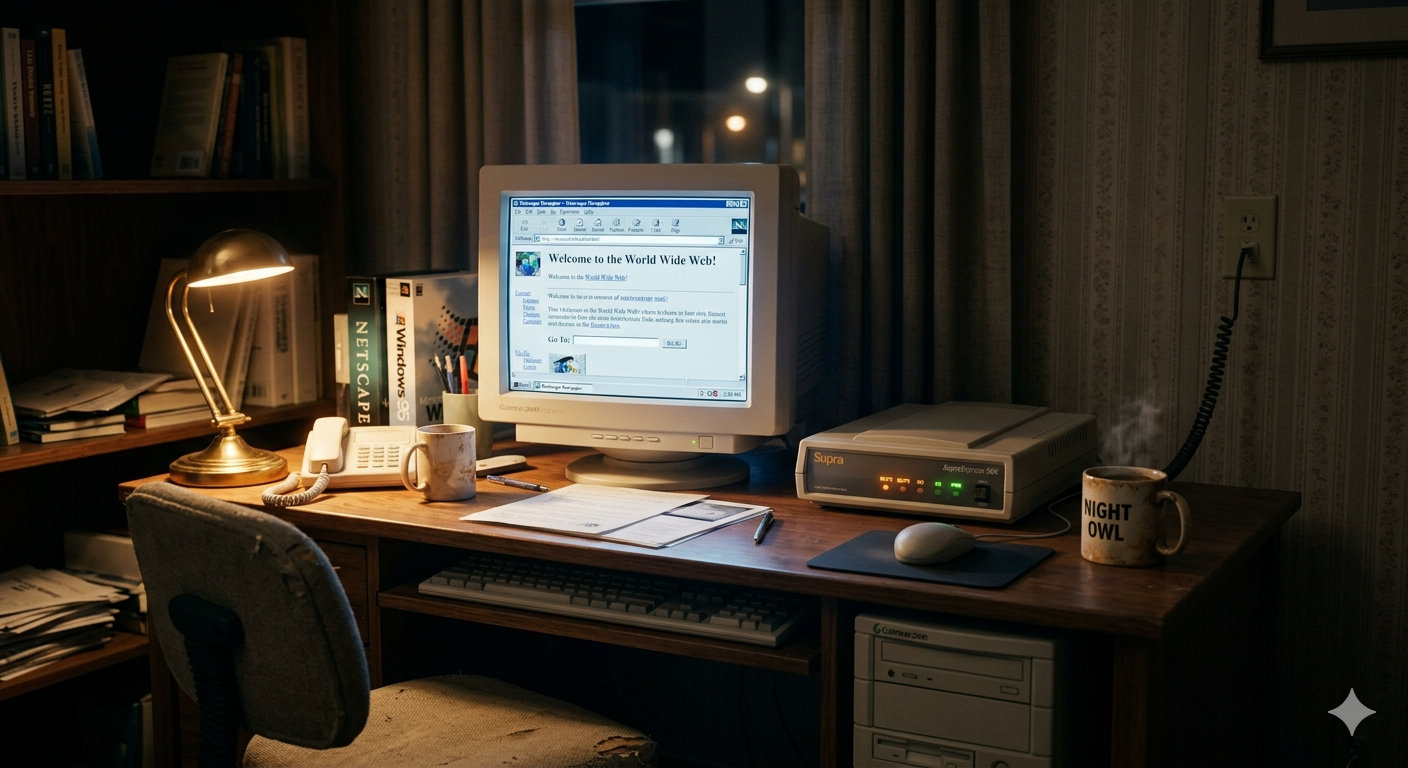
How a telephone line connected a generation to the internet — and why it still matters
Before fiber optics, before Wi-Fi, before broadband became a household word, there was dial-up. For most of the 1990s and early 2000s, the ritual was the same: sit down at a beige desktop computer, open a browser, and wait. Wait for the modem to wake up. Wait for the phone line to negotiate. Wait for that unmistakable cacophony of screeches, hisses, and static — the handshake that meant you were, at last, online.
Dial-up internet is largely gone from daily life, but it shaped the early web more profoundly than any other technology. Understanding how it worked means understanding why the internet became what it is today.
A Brief History
The Precursors (1950s–1970s)
The concept of transmitting digital data over analog telephone lines predates the commercial Internet by decades. Early modems — short for modulator-demodulator — were developed in the late 1950s for military applications, most notably as part of the SAGE air defense system. These machines were enormous, expensive, and operated at speeds measured in tens of bits per second.
By the 1970s, modems had found their way into universities and research institutions, allowing terminals to communicate with distant mainframes. The acoustic coupler — a device into which you physically placed a telephone handset — was a common sight in this era. You dialed a number, heard a tone, and pressed the handset into the coupler’s rubber cups. Data transfer rates hovered around 300 bps (bits per second).
The BBS Era (1978–1995)
In 1978, Ward Christensen and Randy Suess created the first public Bulletin Board System (BBS) in Chicago, Illinois. The concept was simple: a computer with a modem answered incoming calls and allowed users to post messages, exchange files, and play text-based games. At its peak, tens of thousands of BBSs operated across North America and Europe, forming a rich, decentralized proto-internet.
BBS culture incubated much of what the modern internet would become: online communities, file sharing, independent publishing, and hacker culture. It was text-driven, slow, and mostly local — long-distance calls were expensive, so most users dialed into boards within their area code.
The Commercial Internet and ISPs (1991–1999)
When the World Wide Web went public in 1991, and the U.S. government opened the internet backbone to commercial traffic in 1995, the landscape changed overnight. Internet Service Providers (ISPs) — companies like AOL, CompuServe, Prodigy, and thousands of smaller regional operators — began offering dial-up access to ordinary consumers.
AOL’s strategy of mailing floppy disks (and later CDs) to virtually every household in America became legendary. At its peak, AOL had over 26 million subscribers. The familiar “You’ve Got Mail” chime became a cultural touchstone. For millions of people, AOL was the internet.
Modem speeds advanced rapidly during this period:
| Year | Speed | Standard |
|---|---|---|
| 1991 | 9,600 bps | V.32 |
| 1993 | 14,400 bps | V.32bis |
| 1994 | 28,800 bps | V.34 |
| 1996 | 33,600 bps | V.34+ |
| 1998 | 56,000 bps | V.90 |
The jump from 2,400 bps to 56,000 bps over roughly a decade represented a 23-fold increase in speed — remarkable progress, though it would still pale in comparison to what broadband eventually delivered.
The Twilight Years (2000–2010)
Broadband — delivered via DSL telephone lines, cable television infrastructure, or fiber optics — began its steady takeover in the early 2000s. By 2004, broadband subscribers outnumbered dial-up users in the United States for the first time. ISPs adapted: AOL repositioned itself as a content company, and smaller regional providers were absorbed or folded.
Dial-up didn’t disappear overnight. Rural areas, where broadband infrastructure was not economically viable to build, continued relying on dial-up well into the 2010s. In some parts of the world, dial-up remains a relevant technology even today.
How Dial-Up Works
The Telephone Network as a Medium
Dial-up internet uses the Public Switched Telephone Network (PSTN) — the same copper wire infrastructure built for voice calls — to carry digital data. This is both its genius and its fundamental limitation.
The PSTN was designed to carry human speech, which occupies a frequency range of approximately 300 Hz to 3,400 Hz. This bandwidth is known as the voice channel. The telephone network’s hardware filters out everything outside that range. A dial-up modem must compress all of its data into that narrow acoustic window.
Modulation: Turning Bits into Sound
A computer speaks in binary: ones and zeros, represented as discrete voltage levels. A telephone line speaks in analog: continuously varying electrical signals. The modem’s job is to translate between these two worlds.
This translation is called modulation. The modem takes digital data and encodes it as variations in an analog carrier wave. Several properties of a wave can be varied to carry information:
- Amplitude Shift Keying (ASK): The height (amplitude) of the wave changes to represent different bit values.
- Frequency Shift Keying (FSK): The frequency of the wave shifts between values. Early 300 bps modems used FSK, toggling between 1,070 Hz and 1,270 Hz for transmitted data.
- Phase Shift Keying (PSK): The wave’s phase (its position in its cycle) changes to encode data.
- Quadrature Amplitude Modulation (QAM): Combines changes in both amplitude and phase, allowing more bits to be encoded per signal change (baud). This is what high-speed V.34 and V.90 modems are used.
The rate at which the carrier signal changes is measured in baud (symbols per second). By encoding multiple bits per baud using QAM, modems achieved speeds much higher than the raw baud rate would suggest. A V.34 modem operating at 3,429 baud could achieve a throughput of 28,800 bps by encoding up to 12 bits per symbol.
The Handshake
When you initiated a dial-up connection, your modem would:
- Seize the phone line — taking it off-hook, just as picking up a telephone receiver.
- Dial the ISP’s number — using either pulse dialing (clicks) or touch-tone (DTMF) tones.
- Wait for the remote modem to answer — the ISP’s modem picked up and emitted a carrier tone.
- Negotiate the connection — the two modems exchanged a series of tones to determine the best speed, error correction protocol, and compression method they both supported. This negotiation is what produced the famous dial-up screech.
- Establish the data link — once negotiation was complete, data could flow.
That iconic sound — the brrring, the carrier tone, the rapid chirping, the static bursts — was not noise. It was a structured conversation between two machines, each probing the other’s capabilities across an imperfect analog medium.
Error Correction and Compression
Telephone lines are noisy. Line interference, electrical crosstalk, and hardware imperfections introduce errors into data transmission. Two mechanisms addressed this:
Error correction (V.42 / MNP4): The sending modem packages data into frames and calculates a checksum. The receiving modem verifies the checksum and requests retransmission of any corrupted frame. This ensured data integrity at the cost of some speed overhead.
Data compression (V.42bis / MNP5): Modems could compress data before transmitting it, then decompress it on the other end. V.42bis could achieve up to 4:1 compression ratios on compressible data (like plain text), effectively quadrupling throughput. Already-compressed files (like ZIP archives or JPEGs) saw little benefit.
The V.90 Asymmetry
The V.90 standard, finalized in 1998, introduced a clever trick to push downstream speeds to 56 Kbps. It exploited the fact that most ISPs connected to the PSTN via digital lines (T1/E1), meaning ISP-to-user data underwent only one digital-to-analog conversion (at the local telephone exchange), rather than two. This eliminated one source of quantization noise, allowing the modem to use more signal levels and pack more data into each symbol.
The asymmetry was intentional: you could receive data at up to 56 Kbps but could only send at up to 33.6 Kbps. This matched the usage patterns of most internet users, who downloaded far more than they uploaded. (Regulatory power limits meant actual download speeds rarely exceeded 53 Kbps in practice.)
The PPP Layer
Once the physical connection was established, data moved according to the Point-to-Point Protocol (PPP). PPP provided:
- Authentication (verifying your username and password with the ISP)
- IP address assignment (your computer received a temporary IP address for the session)
- Encapsulation (wrapping IP packets for transmission over the serial link)
From the operating system’s perspective, a dial-up connection looked like any other network connection: a local IP address, a gateway, and an internet-routable link. The underlying complexity of the modem was invisible.
The User Experience
Tying Up the Phone Line
In a home with a single telephone line, a dial-up connection monopolized it completely. Anyone calling in heard a busy signal. Anyone in the house who picked up an extension got an earful of modem noise — and potentially disrupted the connection. Many households eventually paid for a second telephone line dedicated to internet use.
Call-waiting, a popular telephone feature, was particularly disruptive: its interrupt tone would terminate a dial-up session. Users learned to disable it by prefixing their dial string with *70.
Speed in Context
56 Kbps sounds slow today. To understand the experience, consider some numbers:
- A 1-megabyte file took roughly 2.5 minutes to download at full speed.
- A typical 3-minute MP3 song (~3.5 MB) took nearly 9 minutes.
- A CD-quality audio album (~650 MB) would take approximately 26 hours — theoretically. In practice, most users never attempted such downloads.
- Early web pages were engineered with this constraint in mind: designers used small images, limited color palettes (the “web-safe” 216-color palette), and minimal multimedia.
The Art of Patience
Dial-up shaped online behavior profoundly. Users learned to multitask on human timescales: click a link, go make tea, come back to find the page loaded. Background downloads ran overnight. Streaming media was essentially impossible — RealPlayer and Windows Media Player buffered endlessly, delivering choppy, postage-stamp-sized video at best.
This constraint had an unexpected benefit: it forced the early web to be lean. Text loaded immediately. Hyperlinks worked even on the slowest connections. The web’s fundamental architecture — stateless, document-based, text-first — was shaped partly by the assumption that bandwidth was precious.
The Legacy of Dial-Up
Infrastructure and Access
The PSTN infrastructure that dial-up relied on extended into virtually every corner of the developed world and much of the developing world. Telephone lines reached rural farmhouses, small towns, and remote communities long before cable or fiber could be economically justified. Dial-up democratized internet access in a way that faster technologies initially could not.
This legacy persists: programs like the FCC’s E-Rate program in the United States were designed partly with dial-up-era thinking, subsidizing telecommunications access for schools and libraries that might otherwise be left behind.
Shaping Web Culture
The constraints of dial-up created habits and conventions that outlasted the technology itself:
- Image optimization became a discipline. Techniques for minimizing file sizes — GIF, JPEG compression artifacts, image sprites — were developed under dial-up pressure and remain relevant today.
- Progressive loading (loading low-resolution images first, then refining them) was invented for dial-up users and lives on in modern lazy-loading and progressive JPEG techniques.
- Text-first design — the principle that a page should be readable before its assets load — traces directly to the dial-up era.
- The “fold” — the portion of a web page visible without scrolling — became important partly because users wouldn’t wait for content below it to load.
The Modem as a Cultural Icon
The dial-up connection sound has become a kind of cultural shorthand for “old internet.” It appears in nostalgia compilations, documentary soundtracks, and ironic art installations. In 2012, the Internet Archive began hosting a collection of dial-up modem sounds as historical artifacts. The screeching handshake of a V.34 modem is as evocative, for a certain generation, as the smell of a dot-matrix printer or the weight of a CRT monitor.
Dial-Up Today
Dial-up is not entirely extinct. As of the mid-2020s, a small number of ISPs still offer dial-up service, primarily for:
- Rural and remote areas where no broadband infrastructure exists.
- Emergency backup connectivity for businesses.
- Specialized industrial applications where existing telephone infrastructure is more economical than upgrading.
In the United States, companies like NetZero and Earthlink maintained dial-up offerings well into the 2020s. Globally, dial-up remains significant in parts of sub-Saharan Africa, South Asia, and rural Latin America, where telephone lines preceded broadband by decades.
The ITU (International Telecommunication Union) still maintains the V-series standards that governed dial-up modems. The protocols aren’t going anywhere — they’re embedded in hardware, in legacy systems, and in the institutional memory of telecommunications engineers worldwide.
Technical Specifications at a Glance
| Standard | Max Speed | Year | Key Innovation |
|---|---|---|---|
| V.21 | 300 bps | 1964 | First ITU modem standard |
| V.22 | 1,200 bps | 1980 | Full-duplex over PSTN |
| V.22bis | 2,400 bps | 1984 | QAM encoding |
| V.32 | 9,600 bps | 1984 | Echo cancellation |
| V.32bis | 14,400 bps | 1991 | Higher-order QAM |
| V.34 | 33,600 bps | 1994 | Near-Nyquist limit |
| V.90 | 56,000 bps down | 1998 | Digital-to-analog asymmetry |
| V.92 | 56,000 bps down | 2000 | Faster handshake, modem-on-hold |
Conclusion
Dial-up internet was slow, noisy, and monopolized your telephone line. It was also transformative. It took the internet from a domain of universities and governments and put it in suburban living rooms and rural kitchens. It built the habits, conventions, and architecture that the modern web still runs on. And it did it all through a copper wire, a narrow voice channel, and the willingness of two machines to screech at each other until they found a common language.
The next time a webpage loads before you’ve finished blinking, remember the users who once sat, cradling a cup of tea, waiting two and a half minutes for a single image. The web they helped build — impatiently, patiently — is the one you’re using now.